
HMIS & PACS Software in Pakistan: Complete Integration & Buyer Guide
Hospitals and diagnostic centers in Pakistan are replacing paper files, printed films and disconnected departmental software with an integrated stack: a Hospital Management Information System (HMIS) for the whole hospital, a Radiology Information System (RIS) for the imaging department, and PACS software for the images themselves. This guide explains what each system does, how HMIS and PACS integration actually works, and what to check before you buy.
HMIS, RIS and PACS: Who Does What
The three systems are often sold together and the names get mixed up, but each one owns a different part of the patient journey.
| System | Main job | Typical users |
|---|---|---|
| HMIS | Registration, admissions, billing, pharmacy, wards, OPD and hospital reporting | Front desk, finance, nursing, management |
| RIS | Radiology orders, scheduling, modality worklists, reporting and radiology billing | Radiology reception, technologists, radiologists |
| PACS | Storing, archiving and distributing DICOM images from every modality | Radiologists, clinicians, referring doctors |
| EMR | The patient's longitudinal clinical record, including radiology reports | Doctors and clinical staff |
Hospital Management Information System (HMIS)
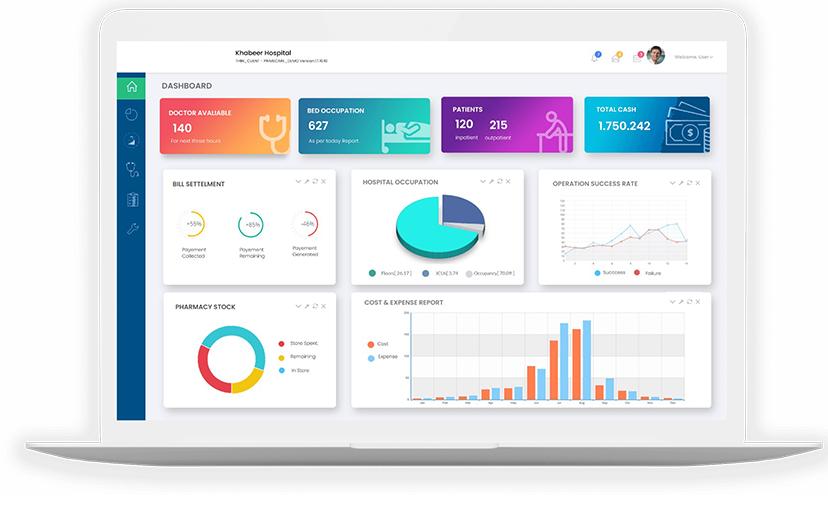
The HMIS is the hospital's operational backbone. It creates the patient record at registration, manages admissions and discharges, raises bills and tracks pharmacy and ward activity. In an integrated setup, the HMIS is where a radiology order starts.
Radiology Information System (RIS)
The RIS runs the imaging department: it receives orders, schedules patients on the right modality, tells each machine which patient is next, and holds the radiologist's report. A cloud RIS can be accessed from any site, which suits multi-branch diagnostic chains.
PACS software
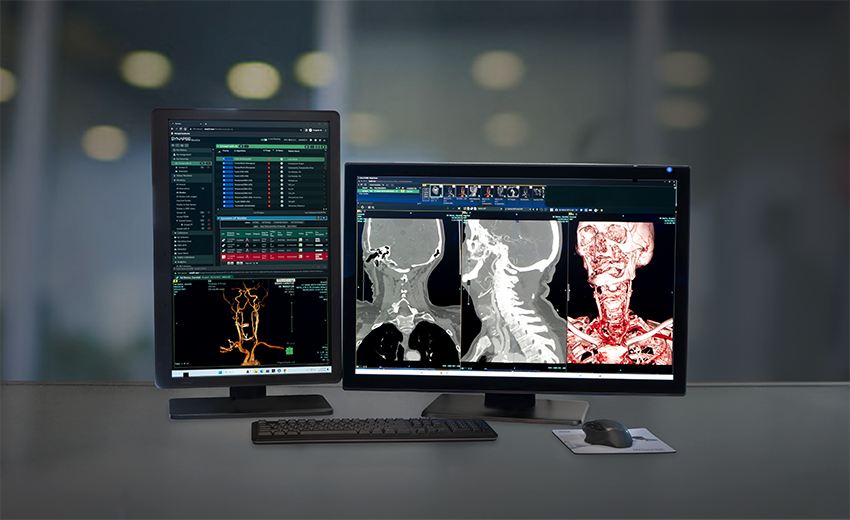
PACS (Picture Archiving and Communication System) receives the images from CT, MRI, X-ray, ultrasound and mammography machines, stores them safely, and makes them available to authorised doctors without printed film.
How HMIS and PACS Integration Works
"Integration" means each step hands data to the next system automatically, so nobody re-types patient details and every image and report lands on the right patient. In a typical workflow:
- Registration in the HMIS. The patient is registered once, and the doctor orders a scan.
- Order to the RIS over HL7. The HMIS sends the patient and order details to the RIS as an HL7 message.
- Modality worklist. The RIS publishes a DICOM modality worklist, so the CT or X-ray machine shows the correct patient and exam with no manual entry.
- Images to PACS over DICOM. After the scan, the modality sends the images to the PACS, linked to the same order.
- Reading and reporting. The radiologist opens the study in the DICOM viewer and signs the report in the RIS.
- Report back to the HMIS / EMR. The signed report goes back over HL7 to the patient's record, where the referring doctor sees it.
When this chain is broken, for example when the HMIS and RIS are not connected, staff re-enter patient names at the modality, and spelling differences create duplicate patients and images filed under the wrong record. Closing those gaps is usually the biggest quality gain of an integration project.
HL7 v2 and FHIR Explained
HL7 version 2 is the long-established messaging standard that hospital systems use to exchange registrations, orders and results. It is what most HMIS, RIS and laboratory systems support, and it is the standard Pacslink uses to connect its HMIS, EMR, RIS and PACS with each other and with third-party systems.
HL7 FHIR is a newer standard that exposes healthcare data through modern web APIs (REST and JSON). It is increasingly used for mobile apps and data sharing between organisations. If a FHIR interface is a requirement for your project, raise it during scoping so the integration approach can be agreed up front.
DICOM sits alongside HL7: HL7 carries patient, order and report data, while DICOM carries the images and the modality worklist.
Choosing a Web-based DICOM Viewer
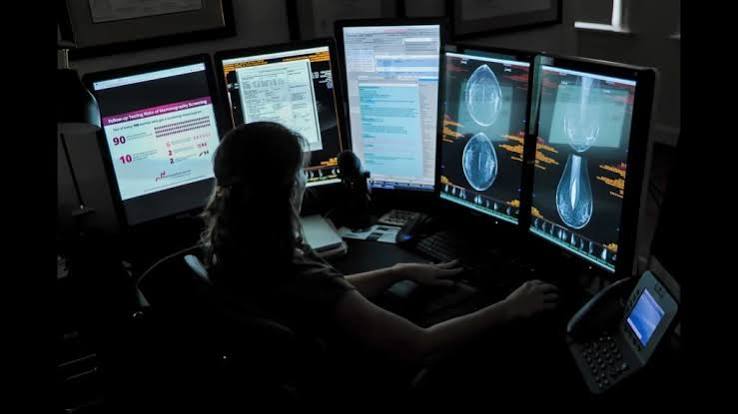
Radiologists spend most of their day in the viewer, so it deserves careful evaluation. Look for a viewer that:
- opens studies from every modality you run (CT, MRI, X-ray, ultrasound, mammography);
- works in a web browser, so radiologists can report from any site or from home;
- loads large CT and MRI studies quickly over your real internet connection, so test it on site, not only in a demo;
- restricts access by user role and keeps an audit trail of who opened each study.
Teleradiology Routing
Many hospitals in Pakistan, especially outside the major cities, do not have a radiologist on site around the clock. Teleradiology solves this by routing studies to radiologists elsewhere:
- a DICOM router forwards each study over an encrypted connection to the right radiologist or reporting group, by site, modality or time of day;
- the radiologist reads the study in the web-based viewer and signs the report remotely;
- the report is returned to the hospital, the RIS and the referring doctor.
With routing rules in place, a night-time CT from a district hospital can be reported by an on-call radiologist in another city, without anyone carrying films or CDs between sites.
Cloud vs On-premise PACS
An on-premise PACS keeps servers and storage inside your hospital, which your IT team maintains and expands. A Cloud PACS stores and serves images from managed data-centre infrastructure, so there is no large upfront hardware purchase and storage grows with your study volume. A hybrid setup keeps a local cache for fast in-house viewing while the archive lives in the cloud. Pacslink supports all three, and the right choice usually comes down to your internet reliability, IT staffing and budget model.
Buyer's Checklist for HMIS & PACS Software
Questions worth asking every vendor before you sign:
- Does the system connect to our existing HMIS, EMR or laboratory system over HL7, and who builds and maintains those interfaces?
- Does the RIS provide a DICOM modality worklist for every modality we own, including older machines?
- How is our existing archive of images and reports migrated, and how long does it take?
- Where are images stored, how are they backed up, and how fast can a lost study be restored?
- Who provides support, in which hours, and is there a local team that can come on site?
- Can we see the system running at a hospital similar to ours?
- What exactly is included in the price: licences, storage, interfaces, training and upgrades?
What Drives Cost, and How to Measure ROI
HMIS and PACS pricing is quoted per project because it depends on the modules you need, your monthly study volume, the number of modalities and sites, cloud or on-premise hosting, the integrations required, and the support level.
The best way to judge the investment is against what you already spend. Film, CDs, printing, storage space and staff time for handling prints add up quickly at hospital volumes. The Pacslink PACS ROI calculator estimates your yearly film spend, the savings from moving to Cloud PACS, staff hours freed and the storage you would need, based on your own numbers.
Plan your HMIS & PACS project with Pacslink
Pacslink is a Lahore-based healthcare IT company providing HMIS, PACS, RIS, EMR, LIS and teleradiology to hospitals and diagnostic centers across Pakistan. See the integrated workflow on your own studies, or get a costed plan for your facility.
Frequently Asked Questions
Still deciding? Read more about Pacslink's HMIS, PACS and RIS solutions or contact our team in Lahore.


Leave A Comment